Download and Import Results
Download
It is recommended that results are downloaded and imported from within the RTR Resolver Viewer inside the simulation tool — see the importing page for your connector: Process Simulate, Visual Components, or MELSOFT Gemini.
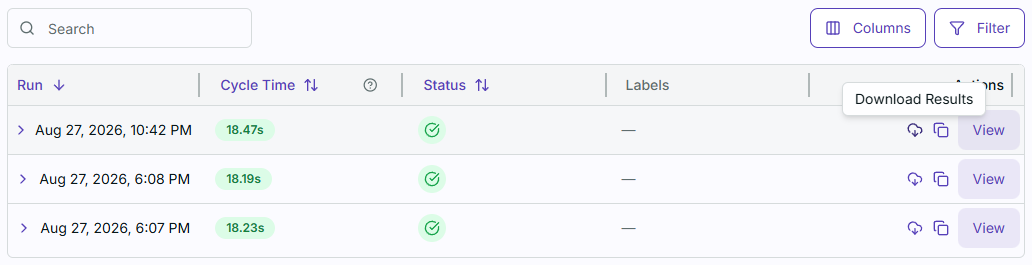
To download results, simply click on the Download Results button on the top right.

To download the results of a run at a later time, you can navigate to the run by selecting the study from the Studies page. The study's list of runs will be shown along with a Download button.
Downloading results by any of the methods above in the connector's Resolver tab automatically navigate you to the Import tab and proceed with import. On the other hand, doing so in a separate browser let's you download a zip file containing the Resolver results that you can import as a local file via the connector's Import tab.