RTR Resolver Viewer
RTR Resolver Viewer には 3 つのタブがあります。
- Export
- Resolver
- Import
- Collision Sets, which opens the Collision Set Generator (PS Connector 1.28.0 and later)

Updated 2026-10-21: this screenshot predates PS Connector 1.28.0 and shows only the first three tabs. See Generate Collision Sets for the Collision Sets tab.
各タブをクリックすると、ビューアーの表示内容が切り替わります。
歯車アイコンをクリックすると設定にアクセスでき、次のオプションを利用できます。

Settings
General、Export、Import の各設定にアクセスできる Settings ダイアログを開きます。 変更内容は「Save Settings」ボタンで保存するか、「Cancel」ボタンで破棄できます。
General
General 設定では次の項目を構成できます。
Automatically connect to the cloud
既定では「Automatically connect to the cloud」がオンになっています。これによりエクスポート、データのアップロード、インポートをシームレスに行えます。RTR Resolver Viewer の Resolver タブから Resolver へのログインが必要です。
「Automatically connect to the cloud」をオンにすると、ダイアログには次の設定が表示されます。
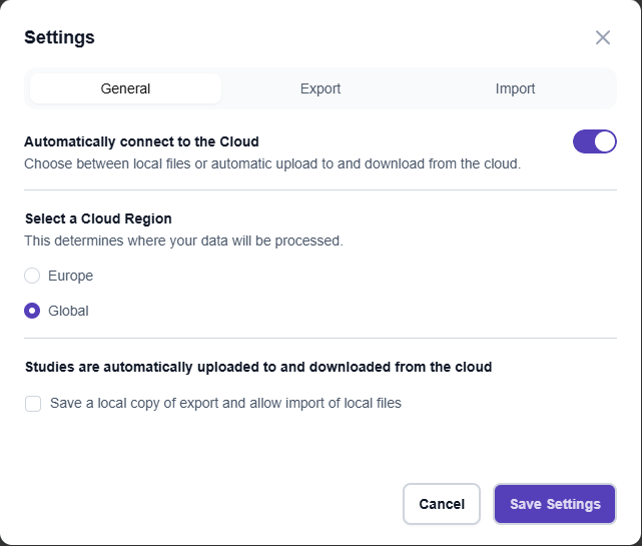
Select a Cloud region
ログイン時に Resolver タブが接続するクラウド環境を選択します。
- Europe: ヨーロッパに配置
- Global: 南北アメリカ、APAC、その他すべての国。
Save a local copy of export and allow import of local files
エクスポートが自動的にクラウドへアップロードされる場合でも、エクスポートのローカルコピーを保存し、ローカルファイルのインポートを許可したいときは、一番下のチェックボックスを使用します。
チェックを入れると、エクスポートした Study の既定の出力フォルダーを指定できます。
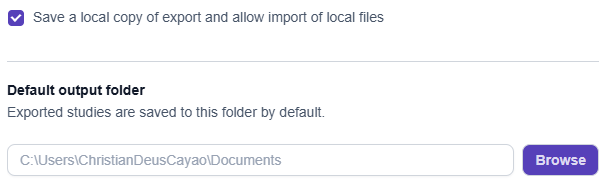
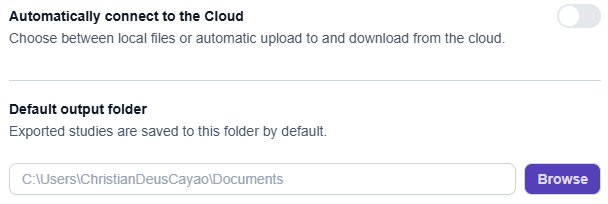
「Automatically connect to the cloud」がオフの場合は、Default output folder でエクスポートファイルの保存先ディレクトリを指定できます。
Export
構成可能な各 Export 設定の詳細は、Study のエクスポート のセクションで説明します。
Import
構成可能な各 Import 設定の詳細は、結果のインポート のセクションで説明します。
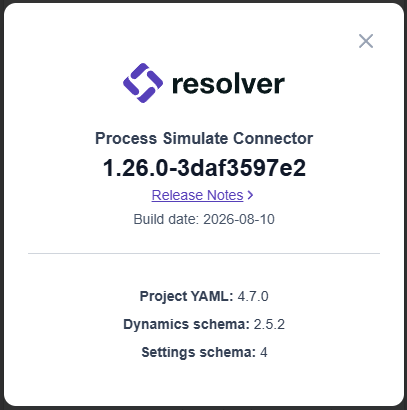
About
現在インストールされている Connector のバージョン情報を表示するダイアログを開きます。
Check for Updates
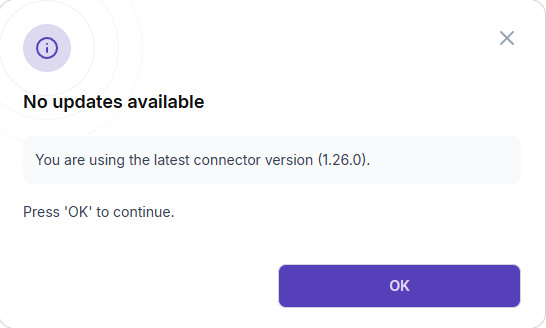
更新の有無を確認し、新しい更新があればダウンロードできます。 インストール済みのバージョンがすでに最新の場合も、ダイアログで通知されます。
Open in Browser
ブラウザーで Resolver のページを開きます。
Clear cache
保存された認証データを消去し、Resolver との接続をリセットできます。 キャッシュを消去すると、表示の問題、接続エラー、認証の失敗など、Resolver に関する問題が解決することがあります。
Save Logs
現在のセッションの RTR ログを指定した場所に保存します。
Messages
In PS Connector 1.28.0 and later, the connector collects its warnings and errors in a Messages panel at the bottom of the Export tab, below the connector version and the Export button, instead of opening each one as a separate popup. The panel header shows how many warnings there are, and each message can be expanded. Click Documentation next to a message to open its page in Process Simulate Troubleshooting. The panel also has a Save Logs link.